BGP
Basic eBGP Configuration Lab
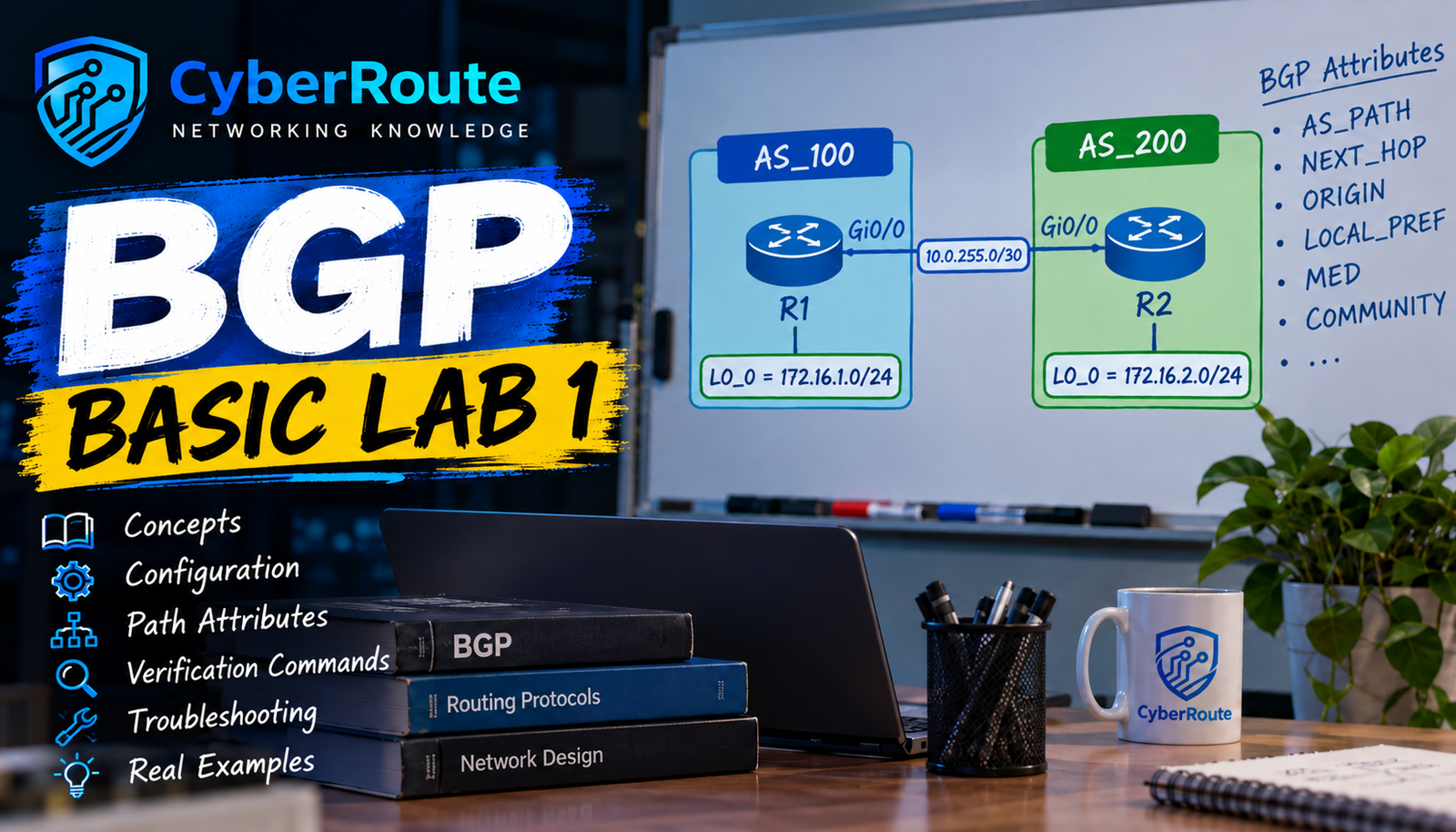
1. Lab Topology
R1: AS 100
R2: AS 200
Connection: GigabitEthernet0/0
WAN network: 10.0.255.0/30
BGP password: kz123
2. Lab Questions
Configure the IP addresses on R1 and R2.
Configure eBGP between R1 (AS 100) and R2 (AS 200).
Configure BGP neighbor authentication using the password kz123.
Advertise 172.16.1.0/24 from R1 and 172.16.2.0/24 from R2.
Verify that the BGP neighbor relationship is established.
Verify that both routers learn each other's BGP network.
Test connectivity between the two loopback interfaces
R1 Configuration — AS 100
R2 Configuration — AS 200- Confirm that the neighbor IP addresses, AS numbers, and passwords match on both routers.
- Also confirm that the WAN interfaces are up/up.
6. Conclusion
This lab demonstrates basic external BGP (eBGP) peering between two autonomous systems. Both routers authenticate their BGP neighbors,
advertise their local /24 networks, learn remote routes, and verify connectivity using routing-table checks and ping tests.
Discussion
No comments yet. Start the discussion.